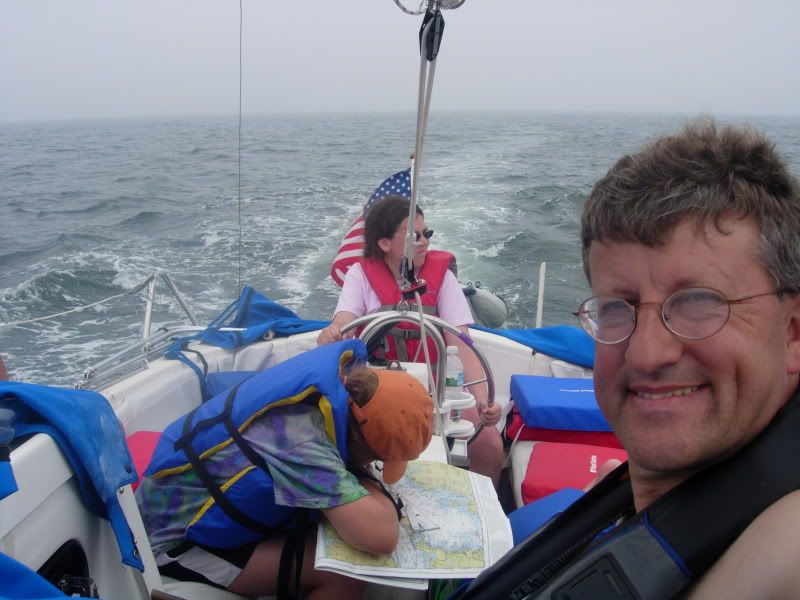
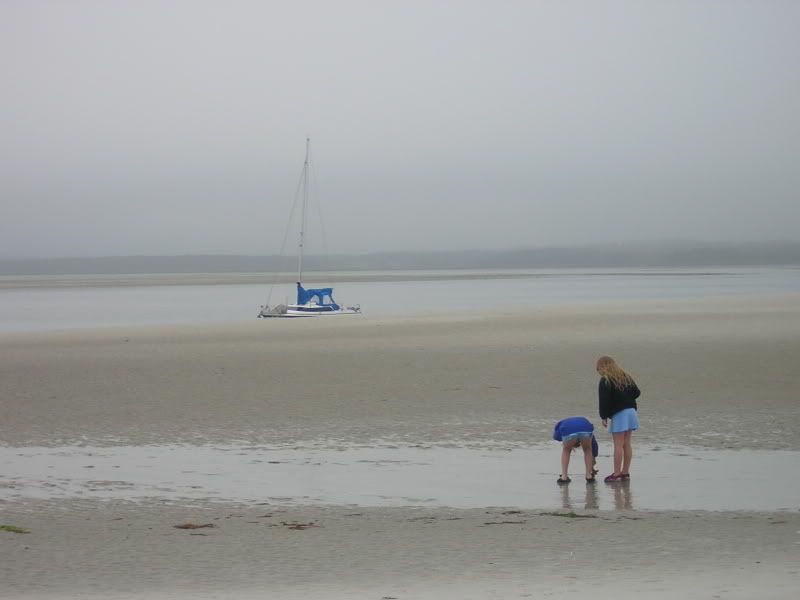
Go to your photobucket account.
Hover your mouse pointer over the picture that you want.
Several options will appear.
Go down to the IMG code and left click in the code box to the right.
Left click in the code box and select copy.
Now, while composing your post on this forum, right click at the place that you want the pic to appear and select paste. It will look like this:
Code: Select all
Here is a picture that I took in the San Juan Islands:

[img]http://i496.photobucket.com/albums/rr321/Hamin-X/Gato128.jpg[/img]It will appear on the forum like this:
Here is a picture that I took in the San Juan Islands:

Cool, huh?
The forum software will automatically re-size the pic for easy viewing and when a member left clicks on it, the original size will be viewable. The board does not actually download, or store the pic, it just uses the code to make your browser do the work. Repeat for up to three pics/post. It is best to use the "Preview" option, to make sure that everything is OK, before you submit the post. There is a three picture limit/post, to help protect those that still have slow internet (me when out & about).
Enjoy,
~Rich





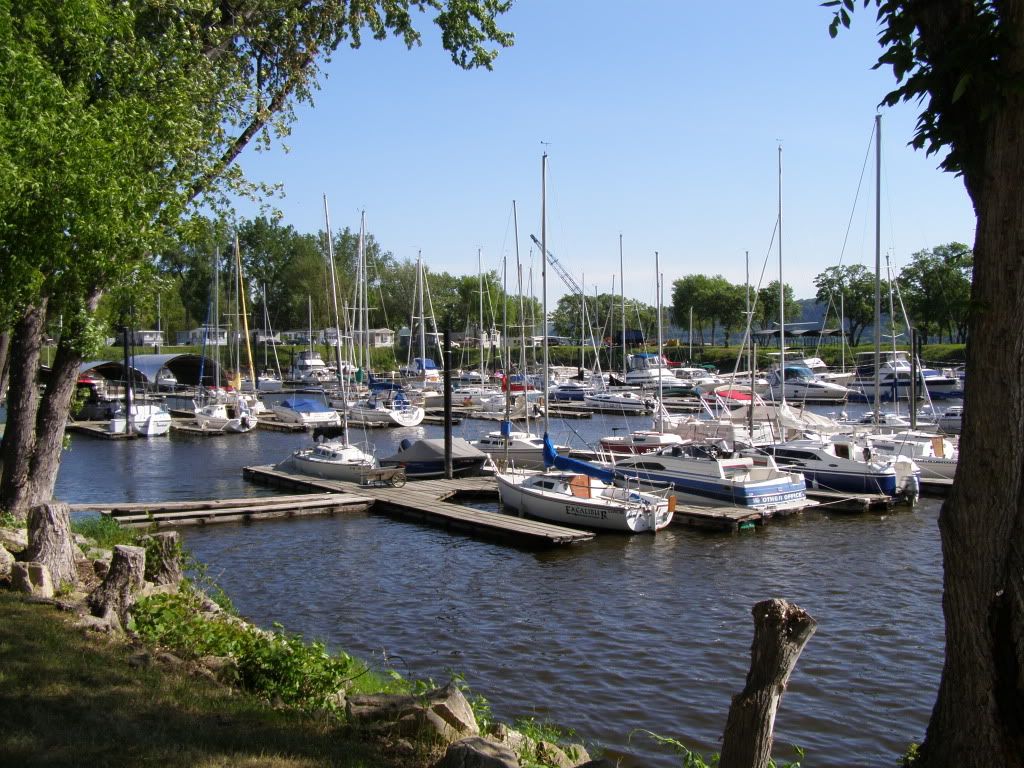
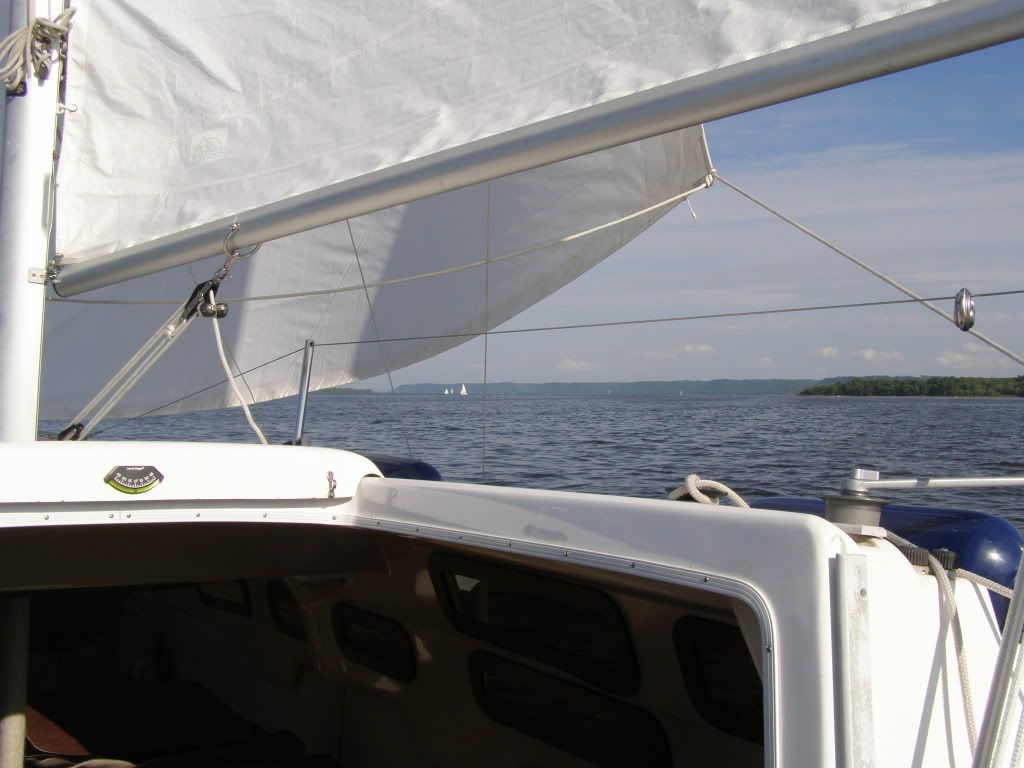
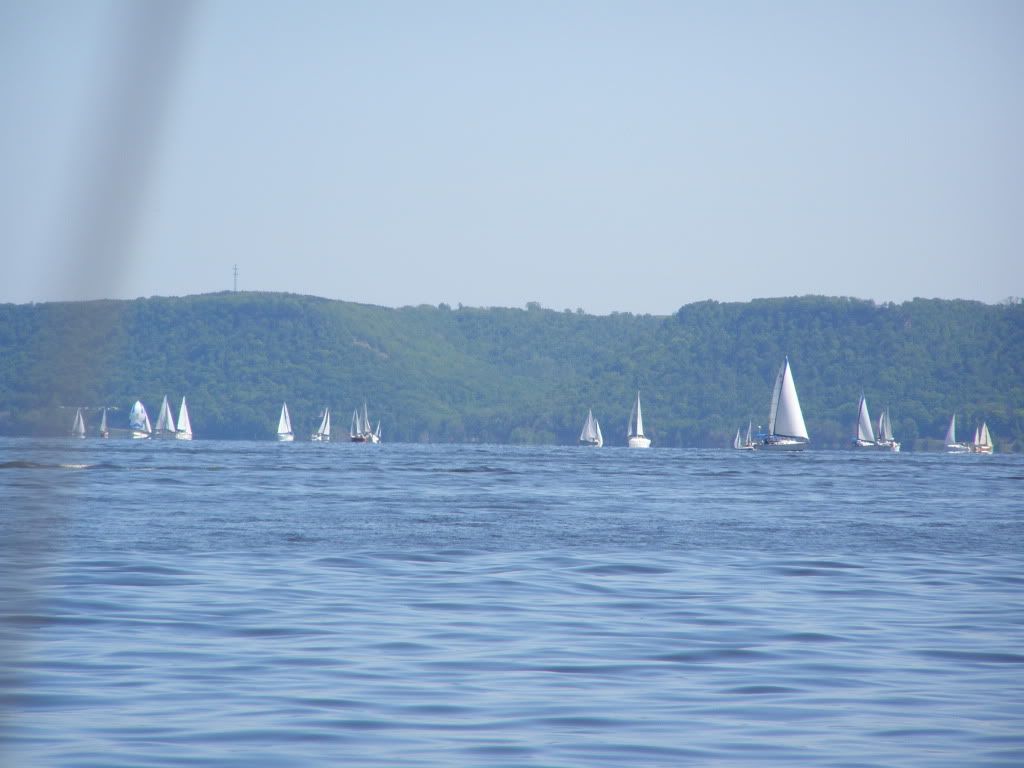
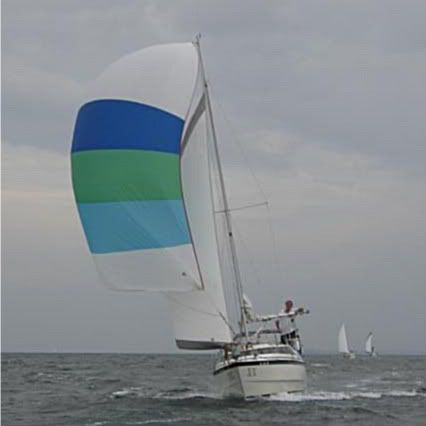


 ], Un-Tethered, and König)